
Why Waiting Too Long Can Leave Your Property Exposed
Security Camera Installer professionals in Conroe, TX are often called after a break-in, not before one. That’s the problem. Many homeowners and business owners install a security camera system and assume it will work flawlessly for years. Over time, dust builds up on lenses, firmware becomes outdated, wiring deteriorates in Texas heat, and storage systems fill up. When something finally happens, the footage is blurry, incomplete, or missing entirely.
In a growing community like Conroe, where new neighborhoods and commercial properties continue to expand, security threats evolve. The solution is simple: regular servicing and timely updates. Understanding how often cameras should be inspected, maintained, and upgraded ensures your home security system actually protects what matters most.
How Long Do Security Cameras Typically Last?
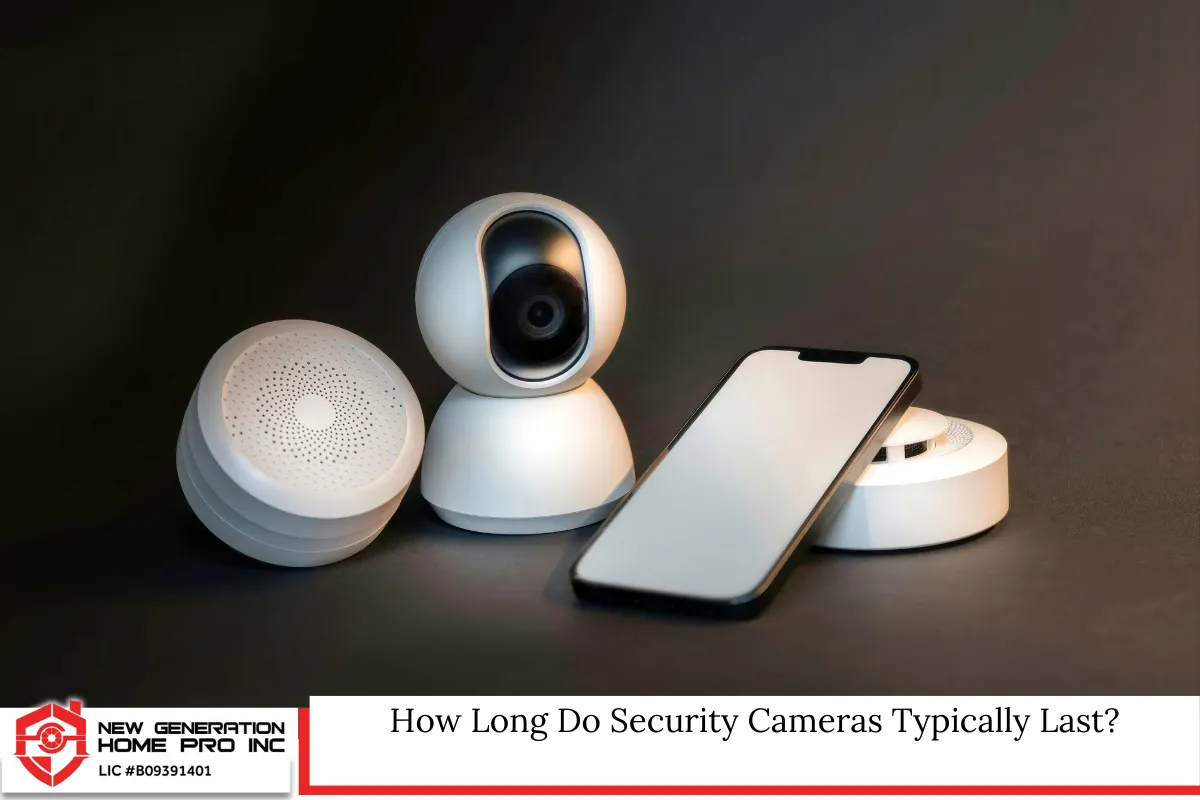
Most modern cameras are built to last, but they are not maintenance-free.
Average Lifespan of Common Camera Types
- Analog cameras: 5–7 years
- IP cameras: 7–10 years
- Wireless cameras: 3–5 years (depending on battery and connectivity)
- Commercial-grade systems: 10+ years with consistent maintenance
Texas heat, humidity, and storm exposure can shorten lifespan. Outdoor cameras in Conroe must withstand high temperatures, heavy rain, and occasional tropical systems. Over time, these environmental factors impact wiring, seals, and internal components.
A professional camera system installer will often recommend evaluating equipment performance around the five-year mark, even if the system appears functional.
How Often Should Security Cameras Be Serviced?
Regular service ensures your system records clearly and consistently.
Recommended Maintenance Schedule
Every 3–6 months
- Clean camera lenses
- Inspect housing for cracks or moisture
- Check field of view and reposition if needed
- Test recording playback
Annually
- Inspect wiring and mounting hardware
- Test network connectivity
- Review storage capacity
- Update firmware
- Confirm motion detection zones
For commercial properties or high-traffic areas, inspections may be recommended twice per year.
Routine servicing prevents minor issues from becoming expensive system failures.
Signs Your Camera System Needs Immediate Attention
Sometimes, servicing can’t wait for the next scheduled check.
Warning Indicators
- Blurry or pixelated footage
- Delayed live feed
- Cameras disconnecting from Wi-Fi
- Gaps in recorded footage
- System alerts not triggering
- Hard drive errors in DVR or NVR
If you notice any of these problems, contact a qualified security camera installer promptly. Delaying service can result in lost evidence during critical moments.
Firmware Updates: The Overlooked Security Risk
Many homeowners forget that cameras operate like small computers.
Why Firmware Updates Matter
Manufacturers release firmware updates to:
- Fix security vulnerabilities
- Improve image processing
- Enhance compatibility with mobile apps
- Strengthen encryption
- Improve motion detection accuracy
Unpatched systems can become vulnerable to hacking. In Texas, privacy and data protection are taken seriously. A compromised security camera system could expose sensitive footage.
Updating firmware at least once per year—or whenever notified by the manufacturer—is highly recommended.
Storage Systems Require Maintenance Too
A camera is only as reliable as its recording system.
DVR vs. NVR Considerations
DVR systems (used with analog cameras) and NVR systems (used with IP cameras) both rely on hard drives. Hard drives typically last 3–5 years under constant recording conditions.
Regular checks should include:
- Verifying recording capacity
- Reviewing retention period (how many days of footage are stored)
- Replacing aging hard drives before failure
Many homeowners assume footage is being stored for months, only to discover their system overwrites recordings every 7–14 days due to limited storage.
When Should You Upgrade Instead of Repair?
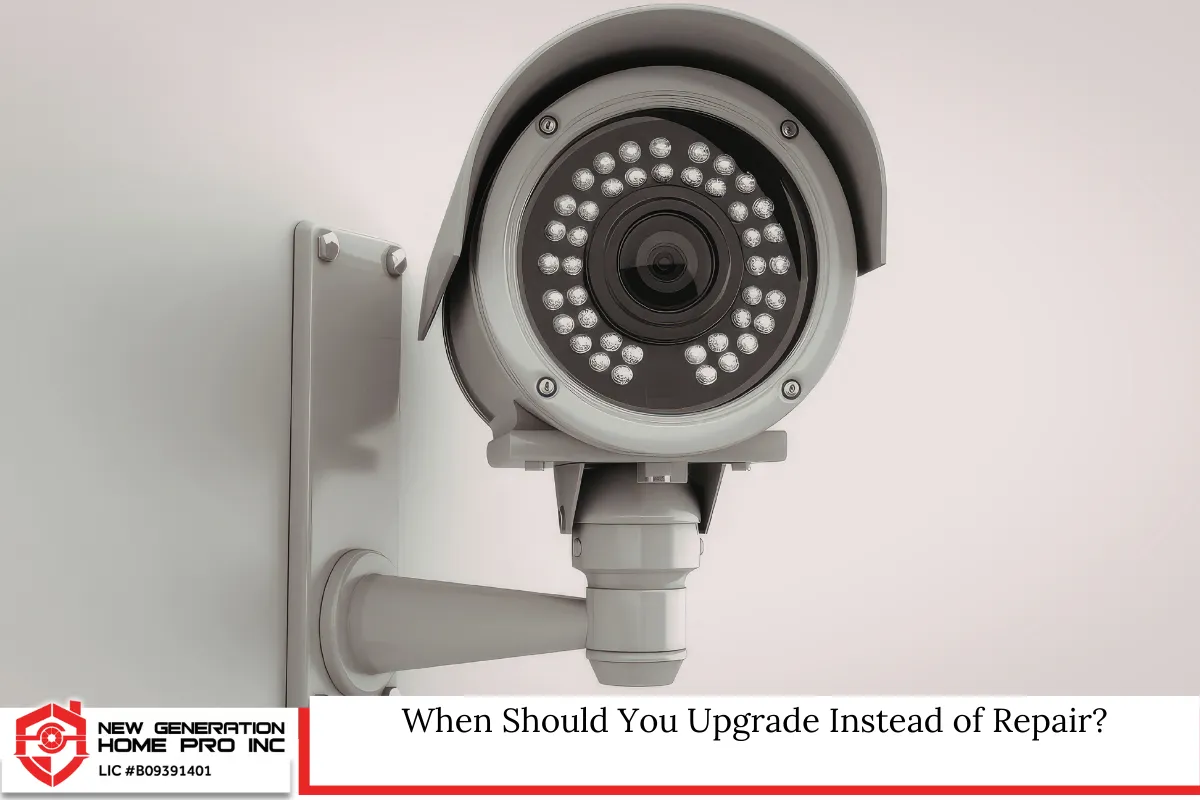
Servicing extends lifespan, but upgrades improve performance.
Consider Upgrading If:
- Cameras are below 1080p resolution
- Night vision is grainy or ineffective
- System lacks remote mobile access
- No cloud backup options exist
- Smart home integration is unavailable
Modern home security technology now includes:
- 4K ultra HD cameras
- Color night vision
- AI-powered person and vehicle detection
- Smart alerts
- Integration with voice assistants
- Cloud storage redundancy
If your system is more than 7–10 years old, upgrading may provide better value than continuous repairs.
Read Does a Security Camera Installer Offers Warranties or Maintenance in Conroe, TX?
Texas Laws and Privacy Considerations in Conroe
Installing and servicing cameras in Texas comes with responsibilities.
Legal Guidelines to Follow
In Texas:
- Video recording is generally legal in public or on your property.
- Cameras must not be placed in private areas such as bathrooms or bedrooms without consent.
- Audio recording requires at least one-party consent under Texas law.
- Hidden cameras in areas where privacy is expected may violate state law.
Homeowners associations in Conroe neighborhoods may also have specific guidelines regarding exterior camera placement.
Working with a knowledgeable security camera installer ensures your system complies with state and local regulations.
Environmental Factors in Conroe That Affect Camera Lifespan
Conroe’s climate directly impacts outdoor camera performance.
Key Environmental Stressors
- High summer temperatures
- Humidity and moisture buildup
- Sudden thunderstorms
- Dust and pollen accumulation
- Occasional hurricane-force winds
Weather-resistant cameras should have:
- IP66 or IP67 ratings
- UV-resistant housing
- Proper sealing against moisture
- Surge protection
Without proper protection, internal components degrade faster.
Residential vs Commercial Servicing Needs
Different properties require different service schedules.
Residential Homes
Home security systems typically monitor:
- Front door
- Driveway
- Backyard
- Garage
- Interior entry points
For most homeowners, annual servicing is sufficient unless the property has heavy exposure to weather.
Commercial Properties
Businesses often require:
- 24/7 monitoring
- Multiple camera angles
- Larger storage capacity
- Remote access for management
- Compliance with insurance requirements
Commercial systems may require biannual inspections and more frequent software updates.
The Role of Professional Inspections
DIY maintenance helps, but professional servicing catches deeper issues.
A trained camera system installer can:
- Test network bandwidth
- Identify weak Wi-Fi signals
- Optimize camera angles
- Detect voltage irregularities
- Upgrade outdated firmware safely
- Evaluate cybersecurity risks
Professional inspections reduce system downtime and extend overall lifespan.
Battery-Powered Cameras Require More Frequent Attention
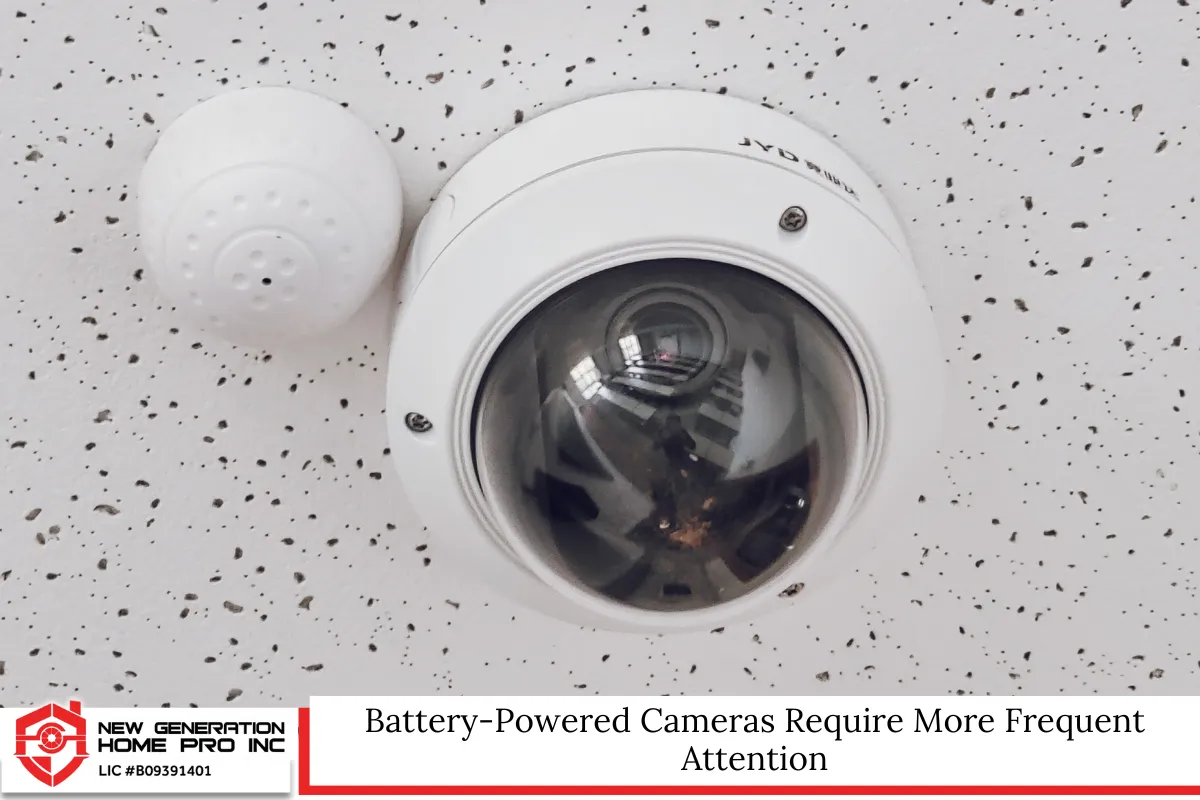
Wireless cameras are convenient but require maintenance.
Best Practices
- Replace batteries every 3–6 months
- Monitor battery alerts
- Check Wi-Fi signal strength
- Recalibrate motion detection
Extreme Texas temperatures may shorten battery life.
Smart Home Integration and Ongoing Updates
Many newer systems integrate with:
- Smart locks
- Doorbell cameras
- Motion sensors
- Alarm systems
When updating your home security ecosystem, ensure compatibility across devices. Software mismatches can create blind spots in monitoring.
If your cameras cannot integrate with modern smart home systems, it may be time to upgrade.
How Servicing Protects Your Investment
Security cameras are not just equipment—they are risk management tools.
Regular servicing:
- Prevents expensive emergency repairs
- Extends hardware lifespan
- Preserves video quality
- Protects stored data
- Ensures reliable incident documentation
Skipping maintenance may save money short term but increases vulnerability long term.
Building a Maintenance Plan That Works
A clear service plan avoids guesswork.
Suggested Maintenance Timeline
- Quarterly visual inspection
- Semi-annual cleaning
- Annual professional evaluation
- Hard drive replacement every 3–5 years
- Full system review every 5–7 years
Planning ahead ensures continuous protection.
Final Thoughts on Staying Ahead of Security Risks
Security technology evolves quickly, and threats evolve with it. Servicing your cameras every few months and scheduling professional inspections annually ensures your system performs when it matters most. Upgrading every 7–10 years keeps your home security aligned with modern standards.
In a growing community like Conroe, proactive maintenance is not optional—it’s essential. Cameras only protect you when they function properly.
Security Camera Installer in Conroe, TX – New Generation Home Pro Inc
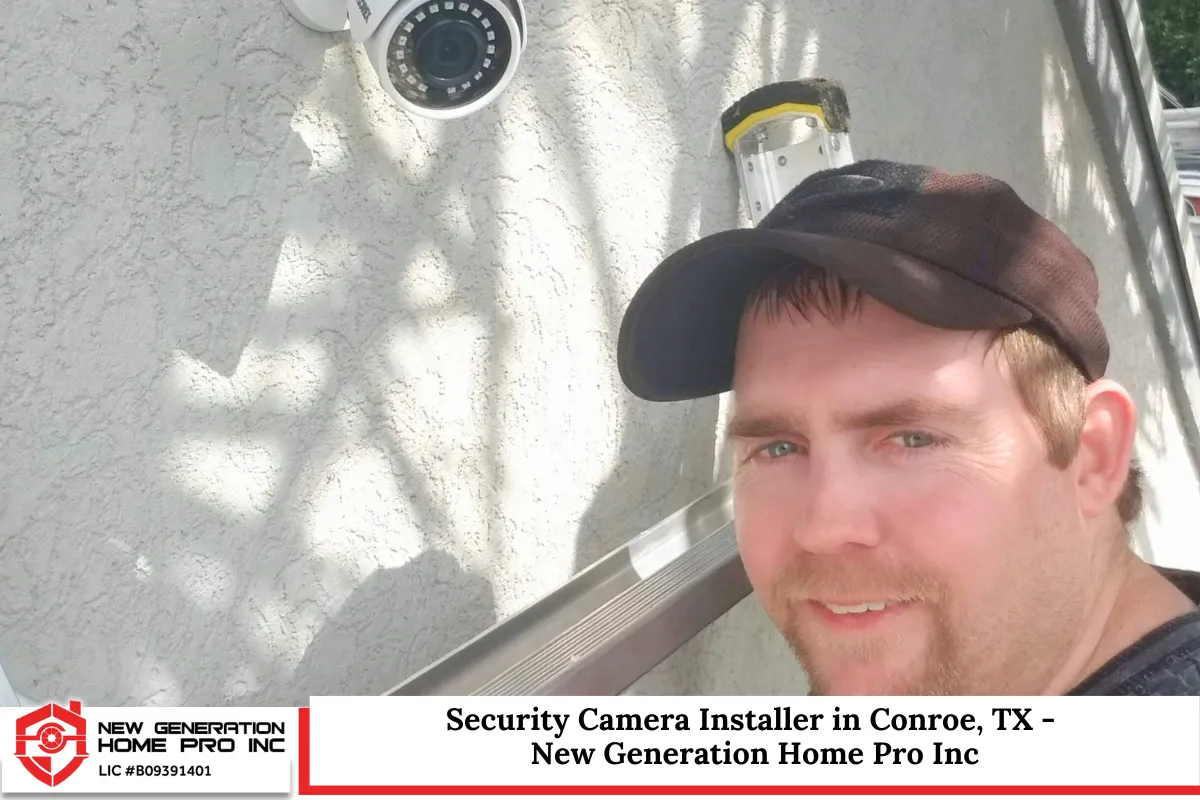
At New Generation Home Pro Inc, we understand how important reliable protection is for your home and business. As a trusted security camera installer in Conroe, Texas, we provide professional inspections, system upgrades, and complete installations tailored to your property. We evaluate your cameras, storage systems, wiring, and connectivity to ensure everything works seamlessly. Whether you need maintenance for an existing security camera system or a full upgrade to modern smart home security technology, we are ready to help. Our team serves Conroe and the surrounding areas with dependable service and fast response times. Call us today at (936) 205-2735 or fill out our contact form to schedule your consultation and secure your property with confidence.
Frequently Asked Questions
1. Do security cameras increase home insurance discounts in Texas?
Many insurance providers offer discounts when a monitored home security system is installed, especially if it includes surveillance cameras and alarm integration. The discount amount varies by carrier and policy type. Insurers often require proof of professional installation and documentation of system capabilities. It is recommended to contact your provider to confirm eligibility requirements before installing equipment.
2. Can extreme Texas heat permanently damage security cameras?
Yes, prolonged exposure to high temperatures can degrade internal electronics, warp plastic housing, and reduce image clarity. Cameras rated for outdoor use should specify an operating temperature range. Choosing models designed for hot climates and ensuring proper installation under shaded areas can extend equipment lifespan significantly.
3. Is cloud storage safer than local DVR storage?
Cloud storage provides off-site backup, which protects footage from theft or physical damage to the recorder. However, it requires strong internet connectivity and proper account security. Many property owners use hybrid systems that combine local storage with encrypted cloud backup for maximum redundancy.
4. How long should surveillance footage be stored?
Retention periods vary by need. Homeowners typically store footage for 14–30 days. Businesses may retain recordings for 30–90 days depending on risk exposure or insurance guidelines. Storage capacity and legal considerations may influence this decision.
5. Can outdated cameras affect property value?
Visible security systems can enhance perceived safety, but outdated equipment may not add measurable value. Modern, well-maintained systems that integrate with smart home features are more attractive to potential buyers and may improve market appeal.
Disclaimer: This article is for informational purposes only and does not constitute legal, technical, or regulatory advice. Local regulations and equipment specifications may change. Always consult a licensed professional for installation, compliance, and servicing of security camera systems in Conroe, Texas.
Read Do I Need a Landline for My Alarm System in Conroe, TX?

