Stay Connected to Your Home—No Matter Where You Are
Home Automation in The Woodlands, TX is no longer a luxury reserved for high-tech enthusiasts. Many homeowners want the ability to lock doors, adjust the thermostat, or view security cameras while they’re away. The problem? Most people aren’t sure how remote smart home systems actually work—or whether they’re secure and reliable. That uncertainty can make investing in a connected home feel risky. The good news is that modern home automation platforms are designed specifically for remote access through smartphones and tablets. With the right setup, you can monitor and control your smart house from anywhere with an internet connection.
The short answer is yes—you can absolutely use your phone to control your smart home remotely. The key lies in choosing the right devices, network infrastructure, and professional installation to ensure seamless smart control.
How Remote Smart Home Control Actually Works
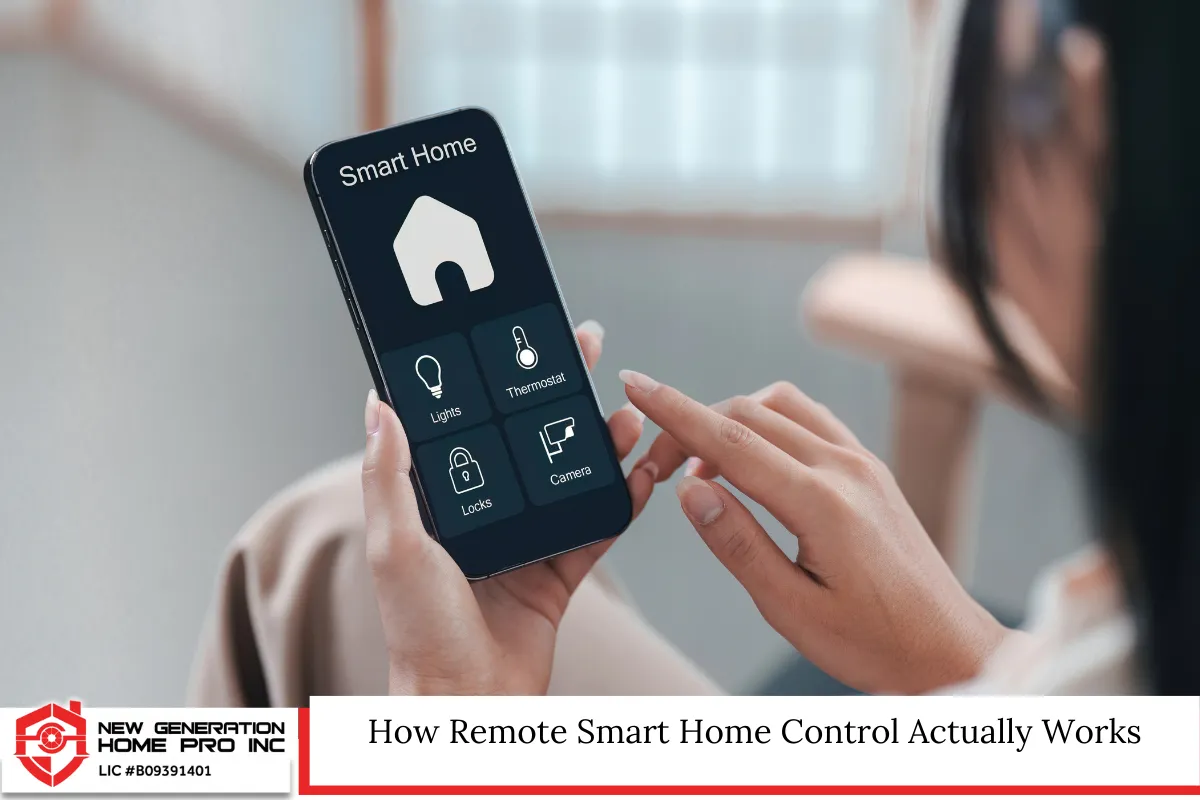
At its core, home automation connects devices in your house—lighting, thermostats, door locks, cameras, garage doors, and more—to a central system. That system communicates over your home network and, in many cases, through secure cloud services.
Here’s the simplified process:
- Smart devices connect to your Wi-Fi network or a dedicated hub.
- The hub or cloud platform links those devices to a mobile app.
- Your smartphone communicates with the system over the internet.
- Commands are sent securely back to your home devices in real time.
Most modern smart living ecosystems rely on encrypted communication. When you open an app and tap “lock front door,” the command travels securely through the platform’s servers and back to your smart lock within seconds.
Cloud-Based vs. Local Control
There are two primary ways remote home control functions:
- Cloud-based systems: These rely on remote servers. They’re convenient and allow access from anywhere.
- Local control systems: These operate primarily within your home network and may require additional configuration for remote access.
Many homeowners prefer hybrid solutions that combine the reliability of local processing with the flexibility of remote cloud access.
What Can You Control From Your Phone?
A well-designed smart house can be managed almost entirely from your mobile device. Popular features include:
Smart Lighting
Turn lights on or off, dim them, or set schedules. Whether you forgot to turn off the porch light or want to simulate occupancy while traveling, lighting control is one of the most common domotics features.
Climate Control
Smart thermostats allow you to adjust temperature remotely, monitor energy use, and create automated schedules. In Texas, where summers can be intense, adjusting your AC before you arrive home can make a big difference in comfort and efficiency.
Security Systems
You can:
- Arm or disarm alarms
- View live camera feeds
- Receive motion alerts
- Lock and unlock doors
Remote access increases both convenience and peace of mind.
Garage Door Access
Left the garage open? Many home automation systems integrate with smart garage controllers that let you close or open the door from anywhere.
Whole-Home Audio and Media
Control music, speakers, and even TV systems with integrated home control apps.
Internet Requirements for Reliable Smart Living
For remote access to function properly, you need a stable internet connection. In The Woodlands and surrounding areas, fiber and high-speed broadband are widely available, making smart control systems more reliable than ever.
Important considerations include:
- Minimum upload speeds (especially for video cameras)
- Router quality and placement
- Mesh Wi-Fi systems for larger homes
- Backup cellular options for security systems
Without a strong network foundation, even the best house automation equipment may perform poorly.
Is Remote Smart Home Control Secure?
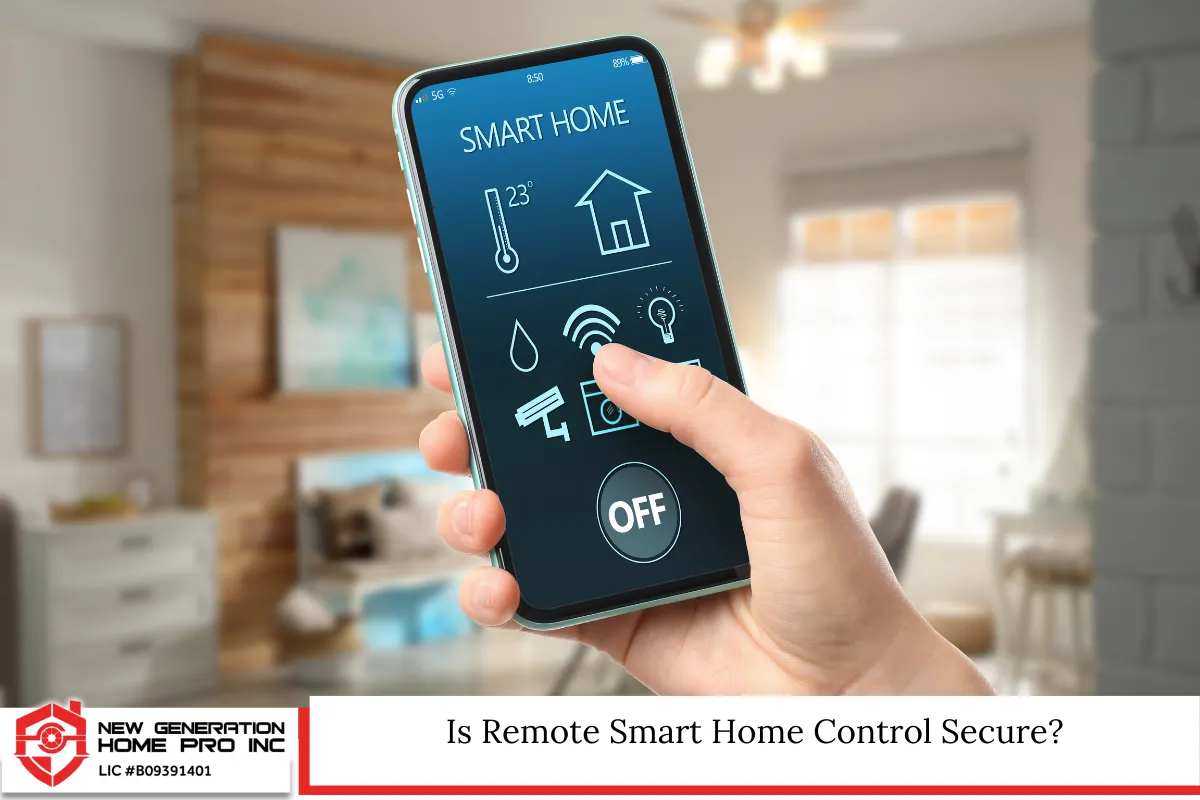
Security is often the top concern. The reality is that properly installed and configured systems use advanced encryption and authentication methods.
Key security practices include:
- Two-factor authentication for mobile apps
- Regular firmware updates
- Strong, unique passwords
- Segmented networks for IoT devices
Professional installers often configure firewalls and secure network settings that reduce vulnerabilities.
In Texas, while there are no specific statewide laws regulating residential smart home systems, homeowners must comply with general privacy laws and local building codes. For example:
- Security cameras must not infringe on neighbors’ privacy.
- Wiring installations must meet local electrical codes.
- Low-voltage wiring should comply with the National Electrical Code as adopted by local authorities.
The Woodlands follows Montgomery County and Texas state building standards, so it’s important that any structural or electrical modifications are properly permitted when required.
Integrating Popular Smart Home Platforms
Many homeowners ask whether different brands can work together. The answer depends on compatibility.
Common ecosystems include:
- Apple HomeKit
- Amazon Alexa
- Google Home
- Samsung SmartThings
Most modern devices support cross-platform integration, but professional design ensures everything communicates smoothly. Mixing incompatible devices can lead to frustration and limited functionality.
Benefits of Phone-Based Home Automation
Remote access isn’t just convenient—it transforms how you interact with your home.
Energy Efficiency
Adjusting temperature, shutting off lights, and managing blinds remotely can reduce energy bills. Automated schedules prevent unnecessary energy use.
Enhanced Security
Real-time alerts and remote monitoring reduce response time in emergencies. You can verify visitors and manage deliveries.
Convenience and Comfort
Imagine:
- Opening your gate before you arrive
- Turning on lights before walking in
- Adjusting music for a gathering while you’re still at work
Smart living simplifies daily routines.
Increased Property Value
Homes equipped with modern smart house features often appeal to buyers looking for turnkey convenience. As demand for connected homes grows, integrated systems can become a selling point.
Planning a Smart Home in The Woodlands
When designing a home automation system locally, consider:
- Home size and layout
- Existing wiring
- Wi-Fi coverage
- Desired features
- Future expansion plans
New construction offers more flexibility for structured wiring and concealed components. However, retrofit installations are common and effective in established neighborhoods throughout The Woodlands.
The Role of Professional Installation
While DIY kits exist, professionally installed systems provide:
- Customized design
- Seamless integration
- Proper network security setup
- Compliance with electrical standards
- Ongoing support
Professionals assess your home’s infrastructure and recommend equipment that matches your lifestyle.
Common Mistakes to Avoid
- Overloading your Wi-Fi network with devices.
- Buying incompatible products.
- Ignoring cybersecurity basics.
- Skipping professional configuration for complex systems.
- Underestimating future needs.
Smart control works best when it’s planned as a unified ecosystem rather than a collection of random gadgets.
Voice Control and Automation Scenes
Remote access is only one part of the experience. You can also create automation scenes such as:
- “Away Mode” – locks doors, arms alarm, turns off lights.
- “Movie Night” – dims lights, lowers shades, turns on audio.
- “Good Morning” – gradually increases lighting and adjusts thermostat.
These scenes can be triggered by your phone, voice assistant, or schedule.
Power Outages and Backup Options
In Texas, weather events can occasionally impact power reliability. Many smart home systems include:
- Battery backups for hubs
- Cellular backup for security monitoring
- Surge protection devices
These features ensure your home control system remains operational when it matters most.
Can You Control Everything From One App?
Yes—if designed properly. Centralized control platforms allow management of:
- Lighting
- HVAC
- Security
- Shades
- Audio
- Outdoor systems
A single dashboard simplifies management and reduces the need for multiple apps.
Future Trends in House Automation
Emerging technologies include:
- AI-driven energy optimization
- Predictive automation
- Advanced biometric security
- Expanded Matter protocol compatibility for device interoperability
As standards improve, smart living will become even more seamless and reliable.
Making the Switch to a Connected Lifestyle
If you’ve ever wondered whether remote smart home control is practical, the answer is clear. With the right infrastructure and professional guidance, managing your home from your phone is not only possible—it’s efficient, secure, and transformative.
Modern domotics systems allow homeowners in The Woodlands to enjoy greater convenience, security, and energy efficiency than ever before. The key is thoughtful design and proper implementation.
Home Automation in The Woodlands, TX – New Generation Home Pro Inc
At New Generation Home Pro Inc, we specialize in professional home automation solutions tailored to homeowners in The Woodlands, Texas and the surrounding areas. We design and install complete smart home systems that give you reliable smart control from your phone—whether you’re at work, on vacation, or just relaxing upstairs.
Our team ensures your network is optimized, your devices are integrated seamlessly, and your house automation system is configured securely. We don’t believe in one-size-fits-all solutions. We create personalized smart living environments that match your lifestyle and future plans.
If you’re ready to upgrade your home control system, call us at (713) 501-9985 or fill out our contact form today. Let’s build a smarter, more connected home together.
Frequently Asked Questions
1. Will a smart home system still work if my internet goes down?
Most smart home systems continue to function locally even if your internet service is interrupted. Basic automations, lighting schedules, and thermostat controls typically operate through the internal network or hub. However, remote access from your phone will not work until internet connectivity is restored. Security systems with cellular backup can maintain monitoring services during outages. If uninterrupted access is critical, you can install backup internet solutions such as cellular routers. Planning for redundancy is especially important in areas where storms may temporarily disrupt service.
2. Can I control my smart home when traveling internationally?
Yes, as long as your home system is connected to the internet and your smartphone has data or Wi-Fi access, you can control your devices from anywhere in the world. Most platforms use secure cloud-based access, meaning geographic location does not limit functionality. However, you should enable two-factor authentication and ensure your devices are updated before traveling. Time zone differences can affect scheduled automations, so reviewing settings prior to departure is recommended.
3. Does installing home automation increase my insurance premiums?
In many cases, it may actually lower them. Insurance providers sometimes offer discounts for monitored security systems, smart smoke detectors, and water leak detection devices because they reduce risk. However, each insurance company has different policies. It’s important to notify your provider after installation. Professionally installed systems are often viewed more favorably than DIY setups. Always confirm coverage requirements and ask whether certification documentation is needed.
4. Can older homes in The Woodlands support modern smart systems?
Absolutely. Most house automation technology is designed for retrofitting existing homes. Wireless devices eliminate the need for extensive wall demolition. Mesh Wi-Fi systems improve coverage in larger or older properties. In some cases, minor electrical upgrades may be recommended to meet code requirements. A professional assessment can identify any structural or wiring limitations before installation begins. Even historic-style homes can successfully integrate modern smart living features.
5. How often should smart home systems be updated?
Firmware and software updates should be installed whenever manufacturers release them. These updates improve security, add features, and enhance performance. On average, checking for updates quarterly is a good practice. Hardware components typically last several years, but evolving standards may prompt upgrades over time. Routine maintenance inspections help ensure everything operates efficiently. Keeping systems current protects both functionality and cybersecurity.
Important Notice: This article is for informational purposes only and does not constitute legal, electrical, or construction advice. Homeowners should consult licensed professionals and comply with local building codes and Texas regulations before modifying electrical systems or installing automation equipment.
Read Home Automation in The Woodlands, TX: Can a Smart Thermostat Work Without Internet?