Security Camera Installer professionals in Conroe, TX often receive urgent calls from homeowners asking the same question: what should I do if my security camera system suddenly stops working? It’s frustrating. One moment your cameras are protecting your home, and the next, the screen is black or the footage won’t load. That uncertainty can leave you feeling exposed and vulnerable.
When your home security fails, you may worry about break-ins, property damage, or missing critical evidence. The longer it stays down, the higher the risk. The good news? Most issues are fixable, and some can be resolved quickly. In this guide, we’ll walk you through what causes camera problems, what steps to take immediately, and when to call a professional camera system installer in Conroe.
Why Security Camera Systems Stop Working in Conroe Homes
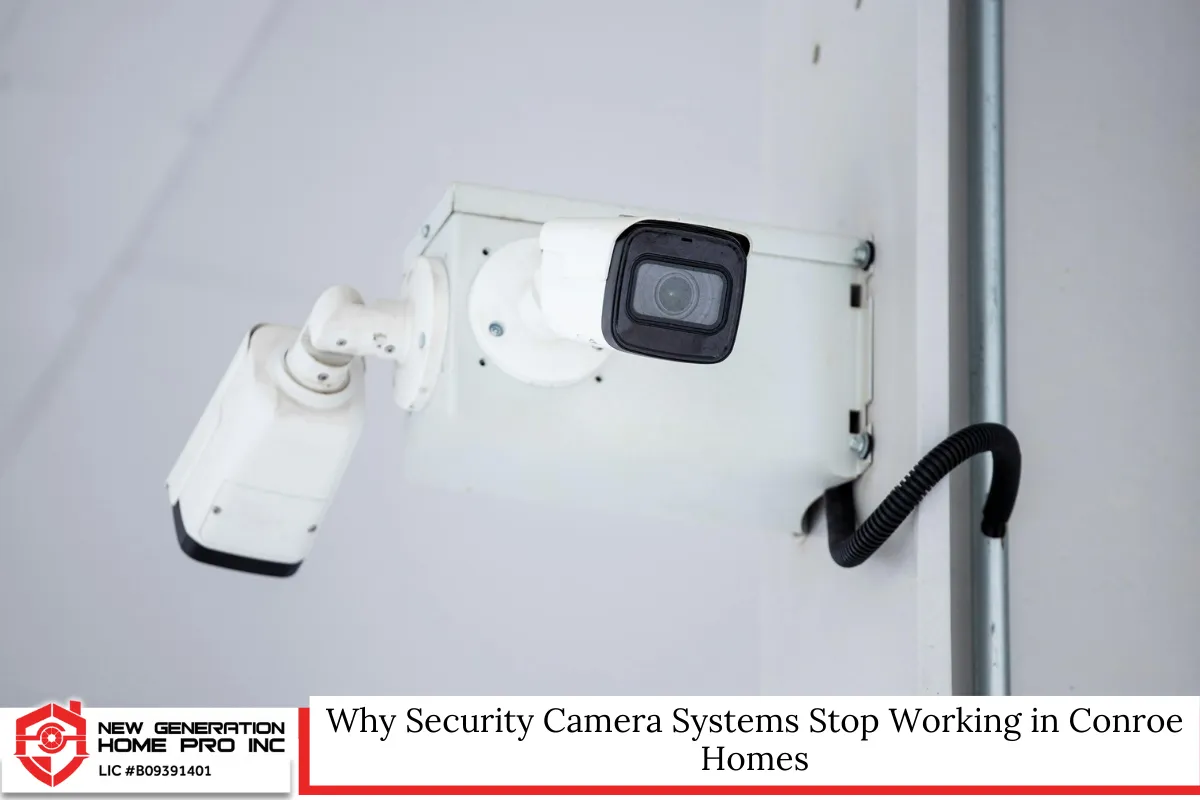
Security systems are built to be reliable, but no technology is immune to failure. In Montgomery County and surrounding areas, certain environmental and technical factors can impact performance.
Common reasons your security camera system may fail include:
- Power supply interruptions
- Internet connectivity issues
- Damaged cables or loose connections
- DVR or NVR malfunction
- Hard drive failure
- Weather-related damage
- Outdated firmware
- Improper installation
Conroe’s humid climate, heavy rains, and occasional storms can accelerate wear and tear, especially for outdoor cameras. Extreme heat in Texas summers may also affect wiring and hardware components.
Understanding the root cause is the first step toward restoring your home security.
First Steps to Take When Your Cameras Go Offline
Before calling a security camera installer, there are several troubleshooting steps you can safely perform.
1. Check the Power Source
Start simple. Many camera issues stem from power problems.
- Confirm the outlet is working.
- Check for tripped breakers.
- Inspect power adapters for damage.
- Look for unplugged cables.
If you use Power over Ethernet (PoE), ensure the PoE switch is functioning properly.
2. Inspect the Internet Connection
For Wi-Fi cameras, internet outages are a common culprit.
- Restart your router and modem.
- Test other devices on the network.
- Check for service interruptions from your provider.
Wired systems connected to an NVR may still require internet access for remote viewing through mobile apps.
3. Reboot the System
A full system reboot can resolve minor glitches.
- Turn off the DVR or NVR.
- Unplug from power for 30–60 seconds.
- Restart and allow the system to reload.
This often restores camera feeds that freeze or fail to display.
Signs of Hardware Failure You Shouldn’t Ignore
Sometimes the issue goes beyond simple troubleshooting.
Watch for these warning signs:
- Clicking or grinding noises from your DVR
- “No Signal” messages across multiple channels
- Cameras flickering on and off
- Footage not recording or saving
- Hard drive error messages
If your recorder’s hard drive fails, you could lose critical footage. Many systems use mechanical drives that wear out over time, especially if recording 24/7.
A professional camera system installer can test and replace faulty components safely.
Weather Damage and Outdoor Camera Issues
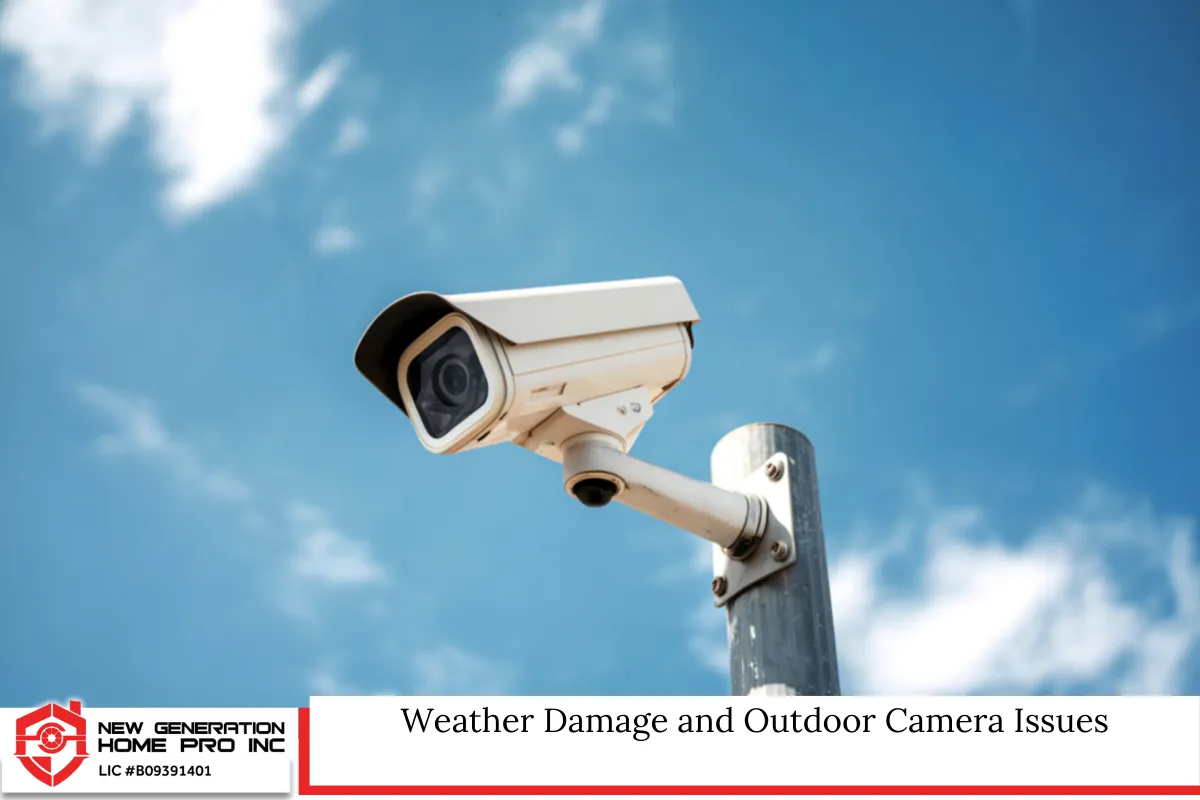
Outdoor cameras in Conroe face environmental challenges year-round.
Heavy rain, humidity, and high temperatures can:
- Corrode wiring
- Cause condensation inside camera housings
- Damage seals and gaskets
- Short-circuit exposed connectors
If your cameras appear foggy or distorted, moisture may have entered the housing. In some cases, resealing or replacing the unit is necessary.
When installing outdoor cameras, proper weatherproof ratings such as IP66 or IP67 are critical. A knowledgeable security camera installer ensures equipment is rated for Texas conditions.
When DIY Fixes Are Not Enough
Homeowners sometimes attempt major repairs themselves. While basic troubleshooting is safe, complex electrical work is not.
You should contact a professional if:
- You need to run new wiring through walls or attic spaces
- Your system requires reprogramming
- Cameras need repositioning or remounting
- The system has recurring failures
- You suspect electrical damage
Improper wiring can create fire hazards or void manufacturer warranties. In Texas, electrical work connected to building systems must comply with local building codes. Hiring a qualified installer helps ensure compliance and safety.
Read Security Camera Installer in Conroe, TX: How Often Should Security Cameras Be Serviced or Updated?
Understanding Local Laws in Conroe, Texas
Before reinstalling or upgrading your cameras, it’s important to follow Texas and local regulations.
Video Surveillance Laws in Texas
Texas law generally allows property owners to install video cameras on their own property. However:
- Cameras cannot be placed where individuals have a reasonable expectation of privacy (such as bathrooms or inside someone else’s home).
- Audio recording may be subject to consent laws. Texas is a one-party consent state for audio recording, but recording private conversations without participation may raise legal concerns.
HOA and Neighborhood Restrictions
Some neighborhoods in Conroe have HOA rules regulating:
- Exterior modifications
- Visible wiring
- Camera placement on shared structures
Always review community guidelines before installing new equipment.
Commercial Properties
If you operate a business, additional considerations apply, including employee notification and signage.
A professional security camera installer familiar with local rules can help you avoid legal complications.
Should You Repair or Replace Your Security Camera System?
When your system stops working, you face a decision: repair or upgrade?
Repair Makes Sense If:
- The system is under 5 years old
- Only one camera is malfunctioning
- The recorder simply needs a new hard drive
- Software updates resolve the issue
Replacement May Be Better If:
- Your system lacks high-definition resolution
- You cannot access footage remotely
- It uses outdated analog technology
- Replacement parts are unavailable
- Multiple components have failed
Modern systems offer 4K resolution, night vision improvements, motion alerts, cloud storage, and smart home integration.
If your current cameras cannot meet your security needs, an upgrade may provide better protection and long-term value.
How a Professional Camera System Installer Diagnoses the Problem
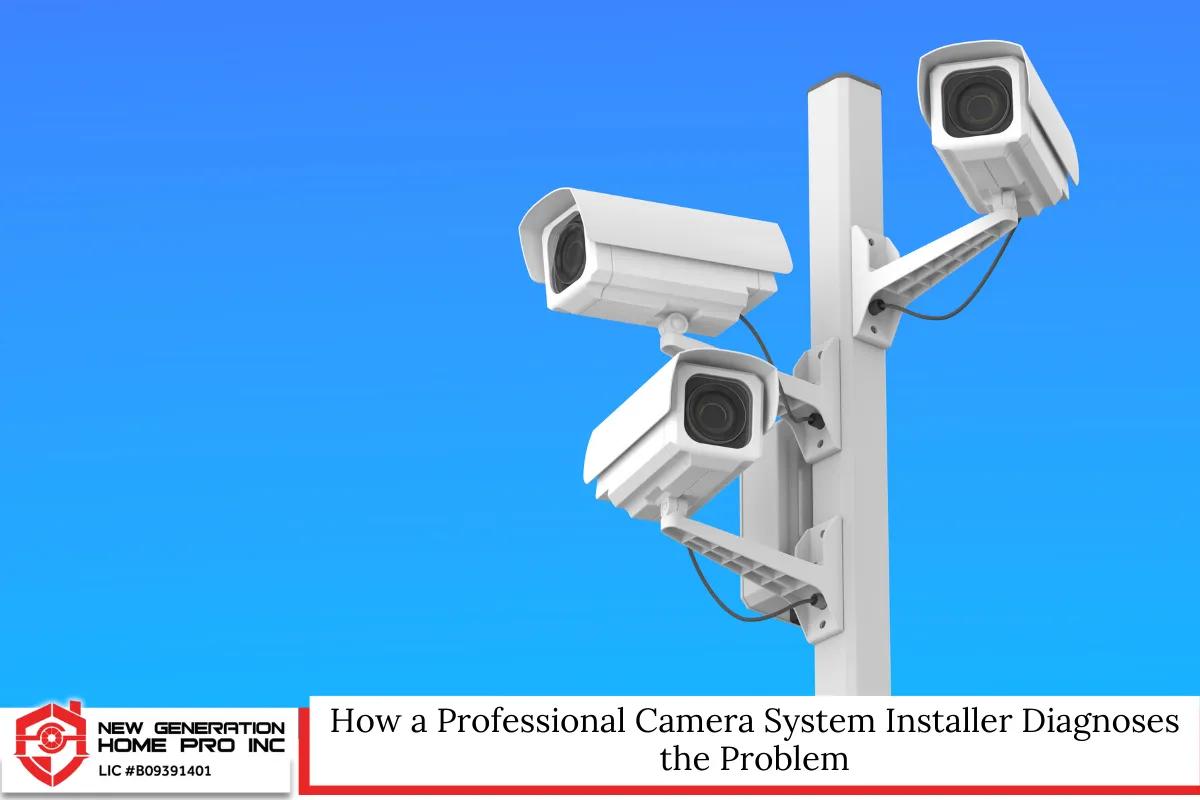
An experienced technician follows a systematic approach:
- Inspect power supply and connections
- Test network infrastructure
- Evaluate recorder health
- Check firmware versions
- Examine cable integrity
- Assess environmental exposure
- Verify recording settings
Advanced diagnostic tools allow professionals to identify issues quickly and accurately. This prevents unnecessary replacement of working components.
Preventing Future Camera Failures
Once your system is restored, proactive maintenance reduces future disruptions.
Routine Maintenance Checklist
- Clean camera lenses every 3–6 months
- Inspect exterior seals annually
- Update firmware regularly
- Test recording playback monthly
- Check hard drive health
- Secure all wiring
Many homeowners forget that cameras are not “set it and forget it” devices. Periodic inspections keep your home security functioning reliably.
Common Security Camera System Errors and What They Mean
Understanding error messages can save time.
- “No Video” – signal loss from camera
- “Disk Full” – storage capacity reached
- “Network Disconnected” – internet or LAN issue
- “Authentication Failed” – login or password problem
- “IP Conflict” – device address duplication
These alerts often appear on DVR or NVR interfaces. If you’re unsure how to resolve them, contacting a security camera installer ensures the problem is handled properly.
Smart Home Integration and System Conflicts
Many Conroe homeowners integrate cameras with smart home systems like voice assistants or automation hubs.
While convenient, integration can create compatibility issues:
- Firmware conflicts
- App connectivity problems
- Router bandwidth limitations
- Incorrect port forwarding
If your cameras stopped working after adding new smart devices, your network configuration may need adjustment.
An experienced installer can optimize your network to ensure all devices function smoothly.
The Role of Internet Speed in Camera Performance
Your security camera system relies heavily on bandwidth.
High-resolution cameras require:
- Stable upload speeds
- Sufficient router capacity
- Minimal network congestion
If video lags or fails to load remotely, your internet plan may be insufficient. In many cases, upgrading your service or adjusting network settings resolves the issue.
Electrical Surges and Lightning Damage
Texas storms can cause power surges that damage sensitive electronics.
Surge protectors and UPS battery backups help protect:
- DVR/NVR units
- PoE switches
- Routers
- Cameras
If your system stopped working after a storm, surge damage is a likely cause. Professional inspection is recommended before reconnecting equipment.
Choosing the Right Security Camera Installer in Conroe
When selecting a camera system installer, look for:
- Experience with residential and commercial systems
- Knowledge of Texas regulations
- Proper licensing if electrical work is involved
- Clear warranty policies
- Transparent pricing
A reputable installer should offer a site evaluation, explain equipment options, and provide clear timelines for repair or replacement.
Security Camera Installer in Conroe, TX – New Generation Home Pro Inc
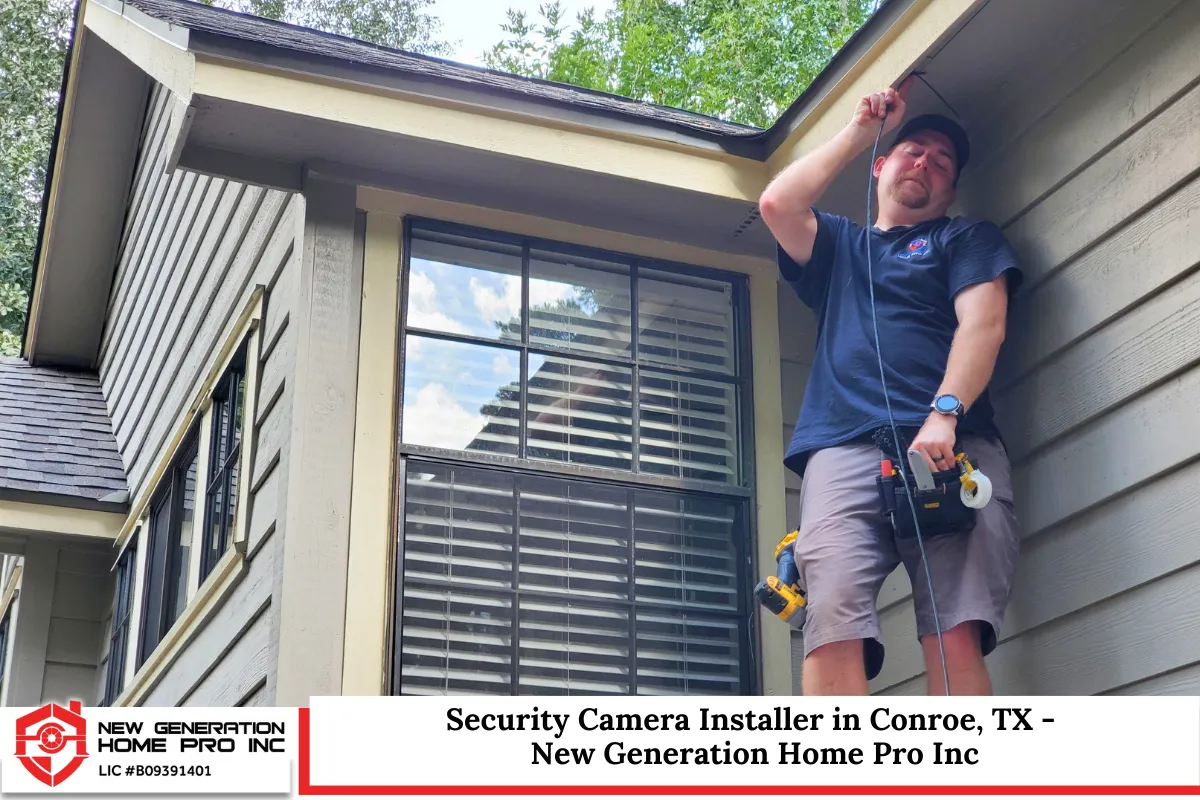
At New Generation Home Pro Inc, we understand how stressful it is when your security camera system stops working. As a trusted security camera installer in Conroe, Texas, we respond quickly and diagnose problems accurately. Whether your cameras went offline, your recorder failed, or your home security needs an upgrade, we’re here to help.
We service Conroe and the surrounding areas with professional installation, repair, and system upgrades tailored to your property. Our team ensures every camera system installer project meets Texas safety standards and local regulations. We use reliable equipment designed for our climate and provide dependable solutions that last.
Call us today at (936) 205-2735 or fill out our contact form to schedule your service. Let us restore your protection and peace of mind.
Protecting Your Property Starts with Reliable Technology
When your cameras stop working, it’s more than an inconvenience. It’s a risk. Acting quickly protects your property, your family, and your peace of mind.
Start with basic troubleshooting. If the issue persists, contact a qualified security camera installer who understands local conditions, regulations, and modern technology. With proper diagnosis and maintenance, your home security system can operate reliably for years.
A functioning camera system isn’t just about recording footage. It’s about preventing crime, monitoring deliveries, protecting loved ones, and staying connected to your property wherever you are.
Frequently Asked Questions
1. How long should a security camera system last before replacement?
Most modern cameras last between 5 to 10 years, depending on build quality, environment, and maintenance. Outdoor units in humid or high-heat climates may wear out faster. Recorders and hard drives often fail sooner because they operate continuously. If your system frequently malfunctions, produces low-resolution footage, or lacks mobile access, it may be nearing the end of its lifecycle. Routine inspections by a camera system installer can extend system longevity and identify failing components before total breakdown occurs.
2. Can I upgrade just my recorder without replacing all my cameras?
In many cases, yes. If your existing cameras are compatible with newer NVR or DVR technology, you may only need to replace the recorder. However, analog systems may not support advanced features available with IP cameras. Compatibility depends on resolution, wiring type, and network capability. A professional evaluation ensures your upgraded security camera system will function properly without unnecessary replacements.
3. What happens to recorded footage if my hard drive fails?
If a hard drive fails, stored footage may become inaccessible or permanently lost. Some specialized data recovery services can retrieve files, but success is not guaranteed and costs can be high. Installing surveillance-grade hard drives and scheduling periodic backups helps protect important recordings. Many homeowners now choose systems with cloud backup options for added security.
4. Do security cameras increase home insurance discounts?
Some insurance providers offer discounts for monitored security systems, but not all offer reductions for standalone cameras. The discount amount varies by policy and provider. It’s best to contact your insurance company to ask about eligibility requirements. While savings may be modest, cameras can provide valuable documentation if you file a claim.
5. Are wireless cameras as reliable as wired systems?
Wireless cameras are convenient and easier to install, but they depend heavily on stable Wi-Fi. Signal interference, bandwidth limitations, and battery maintenance can affect performance. Wired systems generally provide more consistent reliability, especially for long-term home security. The best option depends on property layout, internet strength, and monitoring needs.
Disclaimer: This article is for informational purposes only and does not constitute legal or professional advice. Always consult qualified professionals and review applicable Texas and local regulations before installing or modifying security systems.