Home Security Systems That Actually Work for Renters
Home security systems are no longer reserved for homeowners with large budgets and permanent property. If you rent in The Woodlands, TX, you already know the frustration: you want reliable protection for your apartment, townhome, or rental house, but your lease blocks you from drilling holes, running wires, or making permanent changes. Apartments are often viewed as easier targets for burglars, and ground-floor units near busy retail streets, packages left at shared entryways, and frequent maintenance visits only add to the anxiety. The good news is that modern wireless options are built specifically for this situation. Adhesive mounts, Wi-Fi connectivity, smart app control, and zero-drill installation mean you can secure your space today and take the entire setup with you when your lease ends. This article breaks down the best system types for renters here, the features that actually matter, privacy basics under Texas law, and how to decide between doing it yourself and calling in a professional.
Key Takeaways
- Wireless, damage-free home security systems are the strongest choice for renters in The Woodlands, TX, offering protection without risking your deposit.
- Focus on portable equipment like peel-and-stick door and window sensors, hub-based alarm kits, and Wi-Fi security cameras with local storage options.
- Texas privacy and recording laws require respecting neighbors’ and roommates’ privacy when placing any camera, especially in shared spaces.
- Renters can get dependable protection without damaging walls or violating lease terms by choosing systems designed for apartments, townhomes, and rental houses.
- Sections below compare DIY versus professional installation, smart home integration, feature priorities, and real cost ranges for The Woodlands renters.
The Unique Security Challenges Renters Face in The Woodlands, TX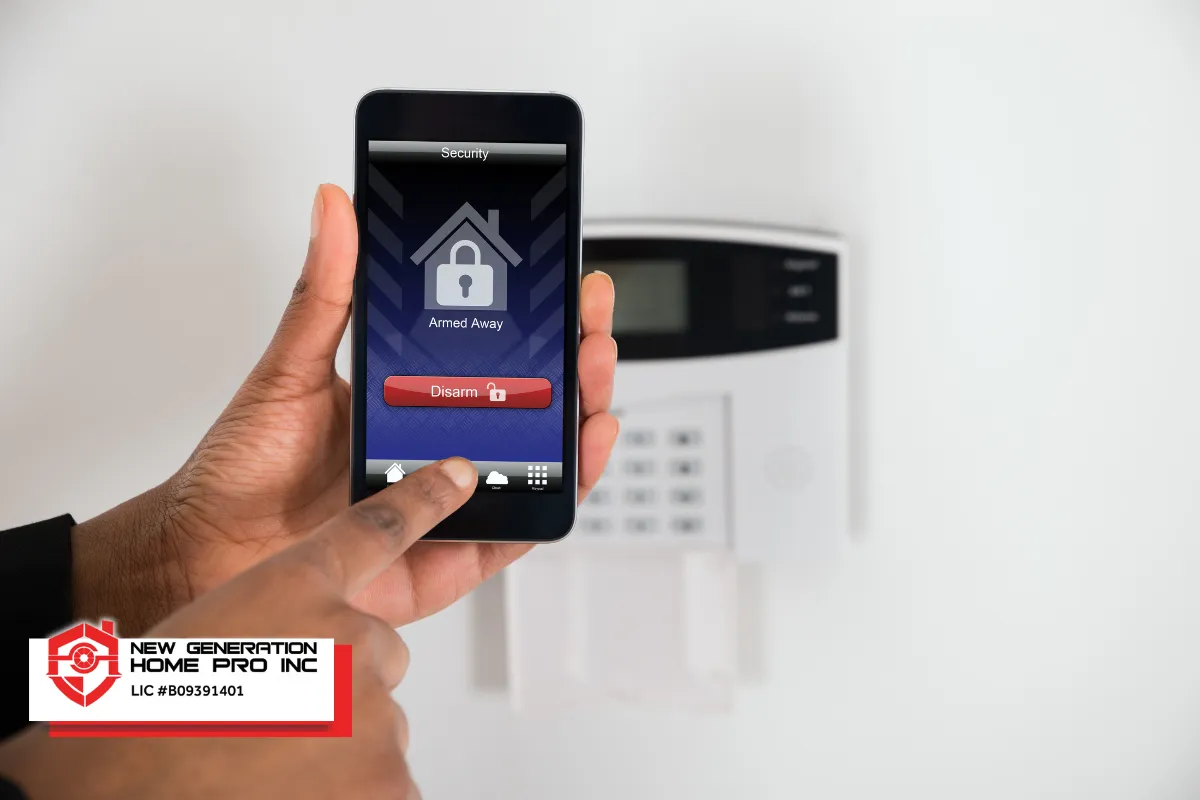
Rental life in The Woodlands comes in many shapes: apartment complexes near Market Street, townhomes along tree-lined corridors, and single-family homes across established neighborhoods. Each layout creates vulnerabilities that differ from owning a detached house. Shared hallways, garages, and mail areas mean more foot traffic and more opportunities for theft. Multiple exterior doors, first-floor windows, and frequent short-term guests or service providers widen the list of entry points you need to cover.
Many landlords restrict permanent modifications to rental properties, which means hard-wired alarm panels, exterior camera brackets bolted into siding, and altered door frames are usually off the table. Renters also cannot control building-wide access or outdoor lighting, making personal, in-unit security even more critical. Priorities for most renters boil down to three things:
- Protect your deposit by avoiding permanent changes to the property.
- Stay within the boundaries of your lease and community rules.
- Use gear that is portable enough to move to your next living situation without hassle.
What Makes a Home Security System Renter-Friendly?
A renter-friendly security system is wireless, portable, easy to remove, and compatible with lease rules in The Woodlands. The ideal security system for renters should be 100 percent wireless, meaning no hard wiring into walls, no drilling through door frames, and no altering the structure your landlord owns. Instead, sensors attach with adhesive or magnetic mounts, cameras sit on shelves or clip onto surfaces, and the entire kit runs on Wi-Fi and battery power.
Flexible contracts matter just as much as flexible hardware. Month-to-month monitoring plans let you avoid long-term commitments that follow you past the end of a lease. A central homebase hub simplifies relocation because you just unplug it and reinstall your sensors and cameras at the new address. Modern DIY wireless technology offers non-permanent security solutions that renters can take with them whenever they move. Portable security systems are favorable for renters who move frequently.
Ideal device types for a rental include:
- Peel-and-stick door and window sensors
- Plug-in indoor sirens
- Wireless keypads or smartphone-based control panels
- Compact Wi-Fi security cameras with flexible mounting
- Battery-powered motion detectors
Best Types of Security Solutions for Renters in The Woodlands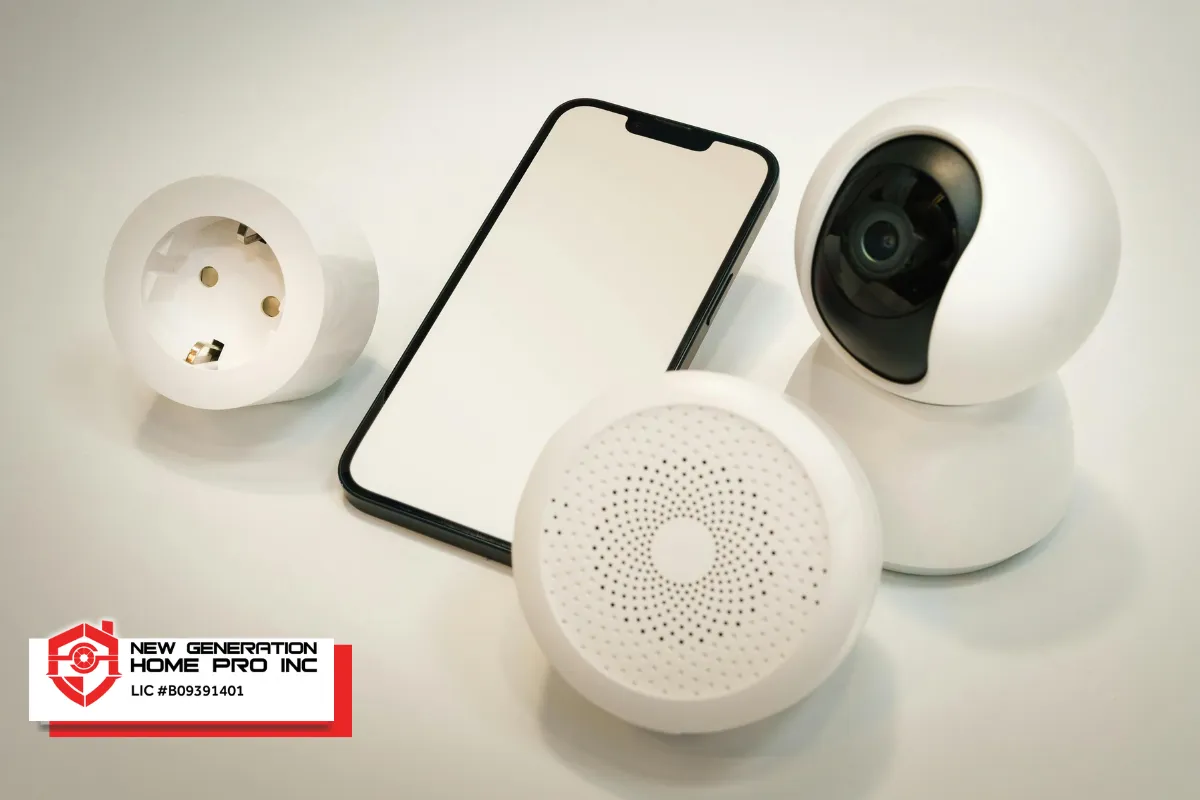
Several categories of renter-friendly protection stand out, and most can work together inside a single app or ecosystem.
All-in-one wireless alarm kits bundle a hub, entry sensors, motion sensors, and sometimes an indoor camera into one box. These cover the basics for an apartment security system and can expand as your needs grow. Video surveillance can significantly enhance apartment security, especially when combined with entry alerts and alarms.
Smart doorbell cameras let you monitor visitors and packages at your front door. Battery-powered video doorbells can be attached without screws, making them a practical addition for apartment dwellers and townhome renters. Always check building policies before mounting anything on an exterior surface.
Standalone indoor Wi-Fi cameras are useful for hallways and living spaces inside your unit. Freestanding indoor cameras can be monitored without mounting brackets, which means zero damage and easy repositioning. Many support local storage, keeping recorded footage on a microSD card rather than forcing a subscription.
Smart locks are an optional upgrade where leases allow. Retrofit models attach over the existing thumbturn so you do not replace the original hardware. They add coded entry for roommates and visitors without re-keying traditional locks. Portable door locks also provide enhanced security without installation when traveling or staying in temporary spaces.
Window glass break sensors can be attached using adhesive, covering a common vulnerability in ground-floor rentals. Renters in larger houses may want multiple cameras and extra door and window sensors to cover back doors, side yards, and other devices throughout the property.
Key Features Renters Should Prioritize (Without Overpaying)
Spending wisely means focusing on features that deliver real protection without extras you will never use.
Reliable wireless connectivity and battery backup should top your list. Storms and brief power blips are common in the area, and a system that dies when the lights flicker offers little protection. Battery-powered cameras can operate for three to six months between charges, so maintenance stays low. Most wireless cameras offer battery life of three to six months, depending on motion activity and recording settings.
Entry sensors on doors and easily accessible windows form the foundation of any apartment or rental house kit. These sensors keep you informed every time a door opens or a window slides, which matters when multiple people have access to the space.
For cameras, 1080p HD is the standard video resolution for security cameras, and it delivers clear enough footage for identification. Look for decent night vision, mobile alerts, and two way audio if you want to communicate through the device. Smart notifications that distinguish between people and generic motion reduce false alerts in busy corridors and common areas.
Must-have features versus nice-to-have extras for renters:
- Must have: door and window sensors, at least one camera, mobile alerts, battery backup
- Nice to have: people detection, voice assistants integration with Google Assistant or similar platforms, environmental sensors for smoke or water leaks, solar powered charging accessories
Security systems for renters should integrate easily with smart technologies you already own, keeping the total cost in check while expanding what the system can do.
Read Are There Home Security Systems Designed for Apartments in The Woodlands, TX?
Cloud vs Local Storage for Security Cameras in Rentals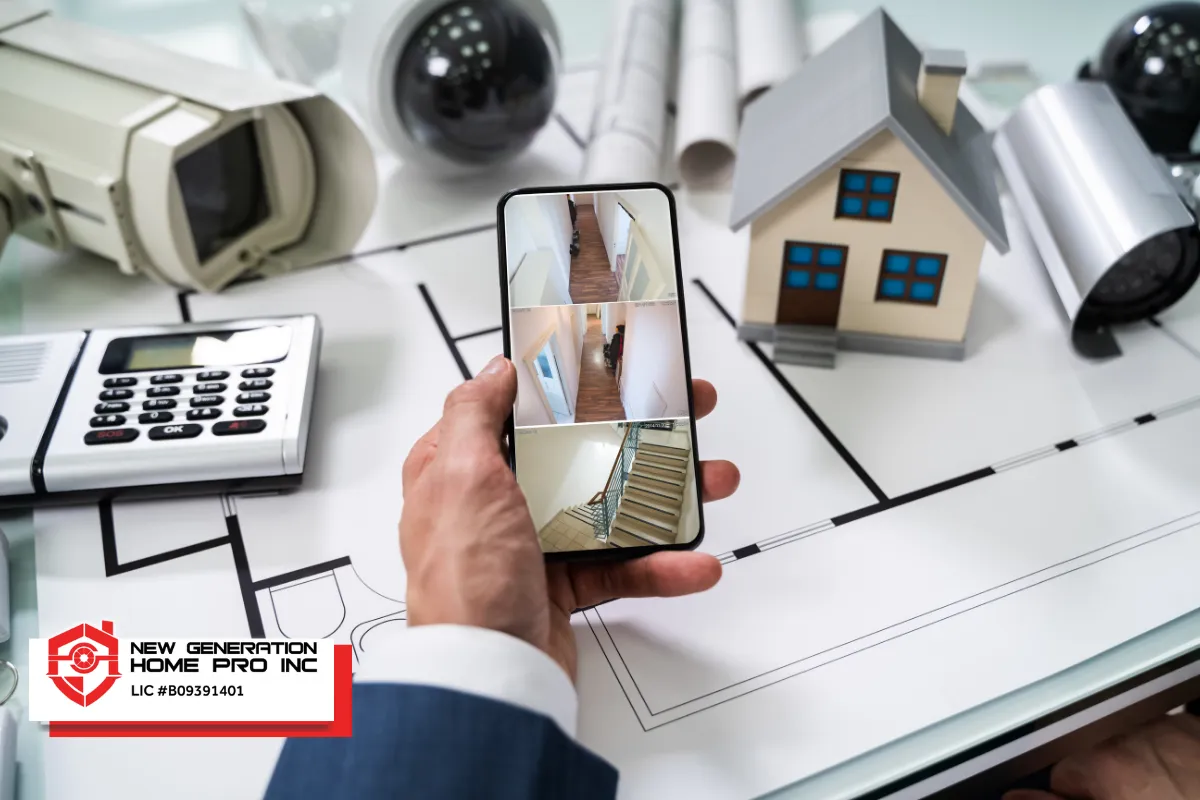
Choosing between cloud and local storage for camera feeds comes down to convenience versus cost and control.
Cloud storage gives you remote access from anywhere, automatic backups, and longer video history. This matters if you travel often or want to review footage from weeks ago. Monthly subscription fees for cloud storage range from three to fifteen dollars per camera, which adds up over time.
Local storage options such as microSD cards inside cameras or recording to a hub in the unit eliminate monthly fees entirely. Many wireless cameras support local storage without monthly fees, making them attractive for budget-conscious renters. Footage stays on-site, which also addresses privacy concerns since no external server holds your recordings.
A practical approach is to mix storage types. Put cloud backup on your most critical entry-facing camera so footage is safe even if the device is stolen. Use local storage for less critical indoor cameras to keep ongoing costs near zero. Before pointing any outdoor-facing camera toward shared walkways or parking lots, review your lease and confirm with your landlord.
Installing Security Gear Without Damaging Walls or Losing Your Deposit
Renters in The Woodlands can install effective security without drilling a single hole. Wireless DIY alarm systems use adhesive backing and require zero drilling, and wireless security cameras use adhesive mounts for easy installation on smooth indoor surfaces.
Common damage-free mounting methods include:
- Command-style adhesive strips for sensors on door frames and window sills
- Magnetic plates on metal doors
- Freestanding camera bases placed on shelves, nightstands, or counters
- Clamp mounts for balcony rails or cabinet edges
These methods work best on smooth, clean surfaces indoors. Textured exterior walls or damp outdoor areas can cause adhesive to fail over time. Non-invasive mounting options prevent damage to rental properties, and wireless cameras can be easily removed without leaving damage when you relocate.
Place motion detectors high enough to reduce pet-triggered alarms if you have cats or dogs, typically about six to seven feet off the ground. Battery-powered cameras can be easily relocated without damage whenever you want to adjust coverage.
Plan for removal day from the start. Keep original mounting hardware, use proper adhesive removal techniques to clean residue, and fix any minor cosmetic issues before move-out. Removable equipment avoids permanent alterations to the rental property, keeping your deposit safe.
Smart Home and Home Theater Integration in a Rental Living Space
Renters in The Woodlands can enjoy home automation benefits without permanent construction. Simple integrations make a noticeable difference: linking your alarm to smart lights so they turn on when an entry sensor trips, or using a voice assistant to arm the system hands-free.
A well-designed setup can coexist with a compact home theater. For instance, smart plugs and lights can dim automatically during movie night while the system remains armed, adjusting the room for entertainment without touching any hardwired controls. Any automation devices should be plug-in or easily removable, avoiding changes to electrical wiring that could violate leases.
Keep every smart home change reversible and document what you add so returning the unit to its original condition at move-out is straightforward. Stay connected to your devices through one central app whenever possible to simplify daily use across the space.
Legal and Privacy Considerations for Security Cameras in The Woodlands, TX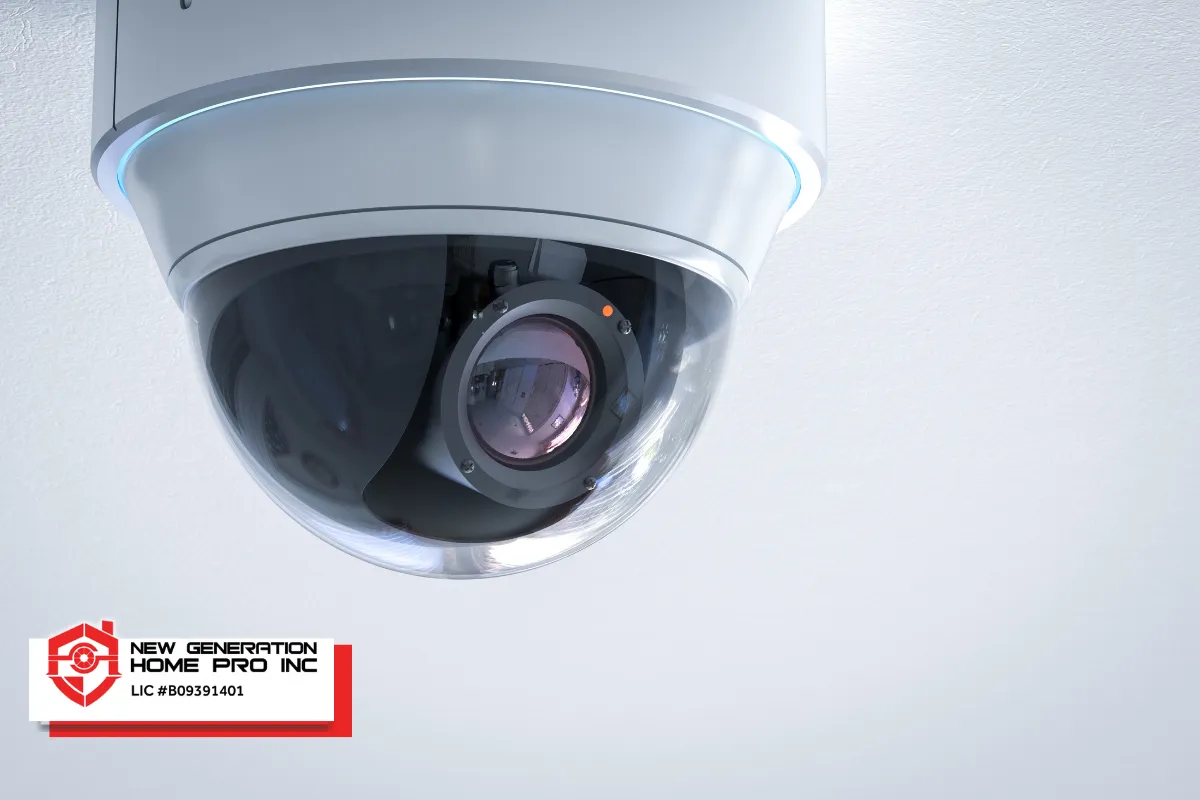
Renters should prioritize security systems that respect privacy boundaries, both for legal reasons and for good neighbor relationships. Texas law recognizes the concept of reasonable expectation of privacy, and placing cameras in bathrooms or facing into someone else’s windows could create serious legal problems.
The safest approach is to use cameras only inside your own unit and in areas you control. Avoid recording shared spaces like hallways or laundry rooms without checking community rules. If you have roommates, inform them about indoor cameras and agree together on placement. Texas is a one-party consent state for many audio situations, but capturing audio in areas where others expect privacy can still be an issue.
Before adding exterior-facing cameras or a video doorbell, ask your landlord in writing and get approval. Outdoor areas often involve sight lines to neighbors, and community guidelines in The Woodlands may impose additional restrictions on visible equipment.
DIY vs Professional Installation for Renters in The Woodlands
For many renters, a DIY approach is the clear winner. Many renters prefer DIY security systems for easy installation. If you are setting up a small apartment with a wireless alarm kit and a camera or two, app-based instructions walk you through the entire process in under an hour.
Professional installation makes more sense for larger rental houses with multiple cameras, complex Wi-Fi coverage across rooms, or integration with several smart home devices. A pro installer familiar with The Woodlands properties can position devices for the best cover without damaging walls or violating lease clauses. Home security systems should comply with rental agreements regarding modifications, and an experienced technician will know how to stay within those boundaries.
Ask yourself these questions before deciding:
- Is my rental a simple, single-room apartment or a multi-story house?
- Am I comfortable following step-by-step app instructions?
- Do I need more than three or four devices installed?
- Does my Wi-Fi reach every room where I want a camera?
Estimating Costs and Long-Term Value for Renters
Renters should evaluate both up-front hardware costs and ongoing monitoring or storage fees before committing.
Entry-level wireless security cameras cost thirty to one hundred dollars each, while premium security cameras can cost one hundred fifty to two hundred fifty dollars or more, depending on resolution and features. Starter wireless kits that include a hub plus several sensors typically fall between one hundred fifty and three hundred dollars. Professional monitoring services run roughly fifteen to thirty dollars per month, while self-monitoring through a free app costs nothing beyond the hardware price.
Multi-camera systems can provide discounts of ten to twenty percent compared to individual purchases, so bundling pays off if you need broad coverage. Renters should consider flexible contracts without long-term commitments to avoid paying for a service tied to a property they have already left.
Some insurance companies offer discounts of five to fifteen percent on renters policies for having a monitored or self-monitored system, which can offset part of the total cost over time. Peace of mind, quicker response to emergencies, and clear recorded footage for incident documentation add value that is harder to quantify but easy to appreciate when it matters.
Choosing the Right System for Your Specific Rental Situation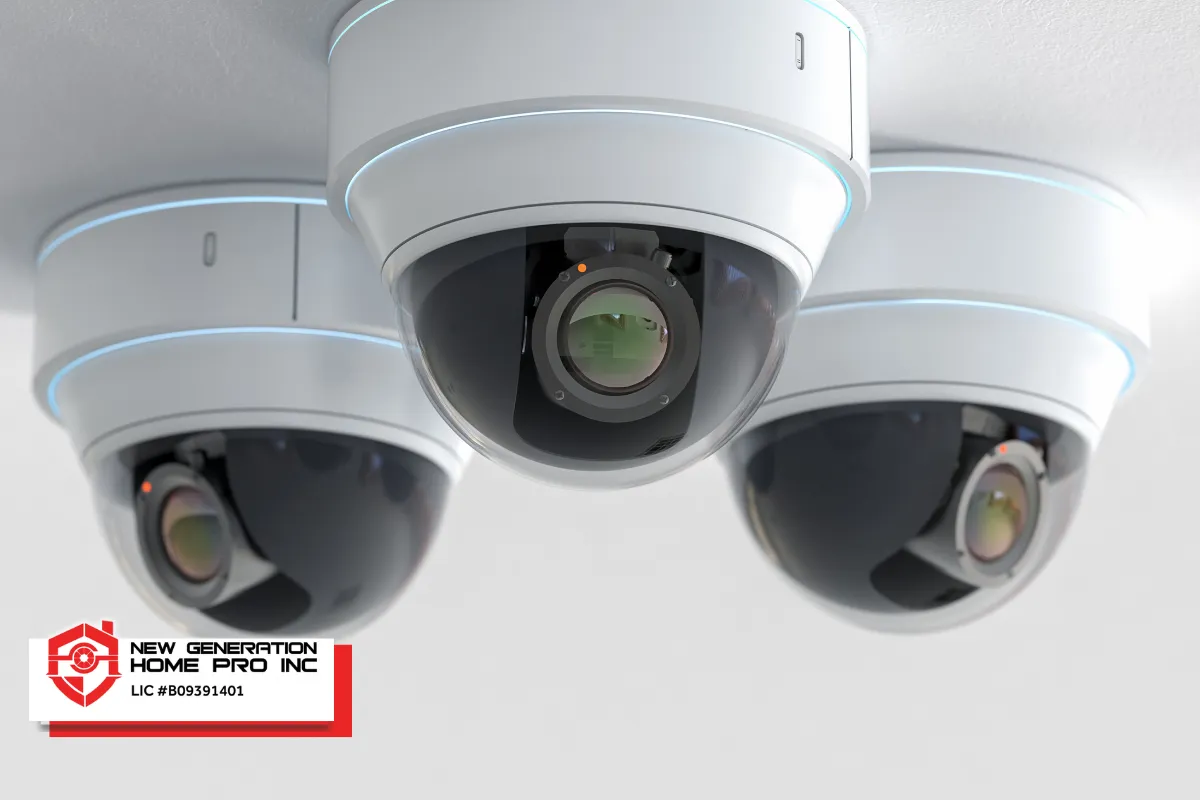
The right setup depends entirely on where you live, what you can spend, and how comfortable you are with technology.
For a studio or one-bedroom apartment, start with a hub, two or three door and window sensors, one indoor camera with local storage, and a motion sensor in the main room. This covers the essentials without cluttering a small space.
For a townhome with two or three bedrooms, expand the sensor count to cover front, back, and any side entry points. Add a video doorbell for the main entrance and consider a second indoor camera for an upstairs hallway. A smart lock on the main door is worth exploring if the landlord agrees.
For a larger single-family rental house, plan for multiple cameras covering the perimeter where allowed, extra sensors on every accessible window, and environmental sensors for smoke or water leaks. Cellular backup becomes more valuable here, as larger properties often have more to protect and more potential blind spots.
Before purchasing anything, map your entry points, test your Wi-Fi signal in each room, and read your lease carefully. Wireless security cameras are portable and easy to move, and wireless cameras can be easily moved to new rental properties, so the equipment you buy today travels with you. The best system is the one that fits your space, budget, lease rules, and personal comfort level with technology.
Home Security System in The Woodlands, TX – New Generation Home Pro Inc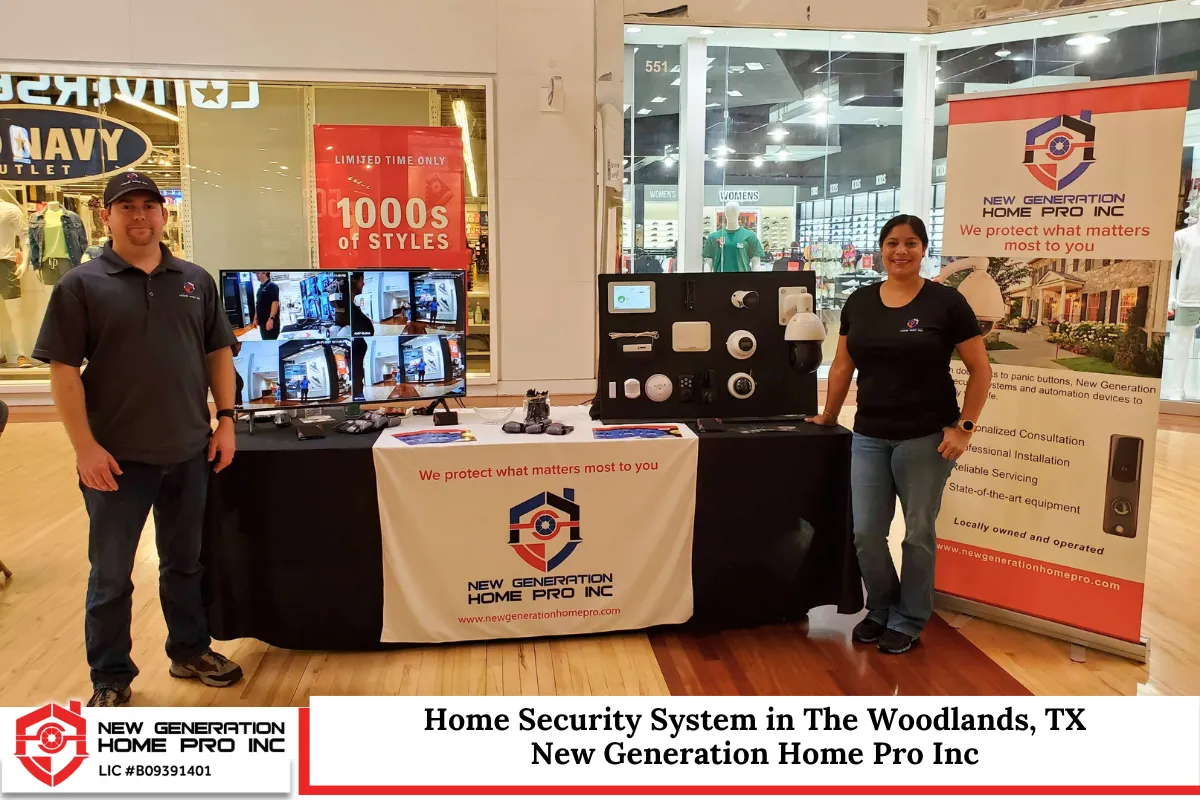
At New Generation Home Pro Inc, we specialize in designing and installing home security system solutions built for renters in The Woodlands, TX. We understand that protecting your apartment, townhome, or rental house means working within lease restrictions while still delivering dependable coverage. Our team installs wireless alarms, security cameras, smart locks, and simple home automation setups that move with you when your lease ends. We know the building layouts, community rules, and rental market across The Woodlands and the following areas we service throughout the region. Whether you need a single camera or a full multi-room solution, we tailor every project to your space and budget. Call us at (713) 501-9985 or fill out our contact form for a no-obligation consultation. Let New Generation Home Pro Inc help you feel secure in the place you call home.
Frequently Asked Questions
How Can I Build a Basic Security Setup If My Budget Is Very Limited?
Start with what covers the highest-risk area first. A single app-connected indoor camera placed near your front door gives you a monitor on the most trafficked entry point. Pair it with an inexpensive battery-powered door alarm sensor kit, which can cover two or three doors for under thirty dollars. Choose devices that do not require monthly monitoring so you keep ongoing costs at zero. Watch for seasonal sales, especially around major retail holidays, when multi-sensor bundles often drop in price by twenty to thirty percent. Even a modest setup used consistently is far better than having no security at all, and you can expand the system gradually as your budget allows.
What Is the Best Way to Share Access to My System with Roommates?
Most modern alarm and camera apps support multiple user profiles, so each roommate gets their own login instead of sharing a single password. This keeps individual activity trackable and prevents accidental lockouts. Set clear house rules about when the alarm is armed, where cameras are placed in living spaces versus private bedrooms, and who has permission to adjust settings. Create guest codes for visitors or pet-sitters so their activity is logged separately. Agree on notification preferences so that alerts go to the right person at the right time without overwhelming everyone. Communication about expectations is just as important as the technology itself in any shared rental.
What Should I Do If My Landlord Already Has a Basic Security System Installed?
Ask the landlord what the existing system can do, whether it is actively monitored, and whether you can access the control panel or the app. Many older building systems are inactive or only cover basic entry alarms at the perimeter. If the landlord’s equipment handles the main doors, focus your personal setup on gaps it does not cover, such as interior room monitoring, smart alerts, or package-area visibility. Avoid altering any professionally installed wiring or control equipment without written permission. When you add your own devices, document every placement with photos so removal at move-out goes smoothly and you can prove no permanent installation was involved.
How Can I Test If My Wi-Fi Is Strong Enough for Security Cameras?
Stand in the exact spot where you plan to place a camera and run a speed test on your smartphone. Live video streaming from a wireless camera typically needs a stable upload speed of at least two megabits per second for reliable 1080p performance. If the signal drops below that threshold or fluctuates heavily, consider moving your router closer, adding a mesh Wi-Fi node, or choosing a different camera location. Thick walls, metal fire doors, and appliances can all interfere with the wireless signal in some buildings. Test at different times of day, including evenings when network usage tends to peak, to make sure the connection stays consistent before you commit to a permanent mounting spot.
Can My Renter’s Insurance Interact with My Home Security Setup?
Contact your insurance provider and ask whether a monitored or self-monitored security system qualifies you for a discount. Some insurers recognize alarms, cameras, water sensors, and smoke detectors as risk-reducing devices and offer savings on premiums. Keep records of purchase receipts, installation dates, and any monitoring agreements to provide documentation if your insurer requests it. Beyond premium savings, video clips and event logs captured by your system can help document incidents when filing a claim, as long as the footage was captured legally and in compliance with privacy rules. Policy terms vary by provider, so renters in The Woodlands should confirm specifics directly to understand exactly what benefits apply to their coverage.
Disclaimer: This article provides general information for renters in The Woodlands, TX and does not constitute legal advice. Always review your lease agreement and consult qualified professionals before installing any security devices on a rental property.
Read What Is Geofencing in Security? How Home Automation Protects Properties in The Woodlands, TX